Stop Forgetting! Automatically Remove console.log in Next.js Production
We always tend to forget to remove console.log statements before pushing our code to production. While these logs are useful for debugging, they can clutter the console, expose unnecessary details, and even affect performance
How to Remove console.log in Production in Next.js
We always tend to forget to remove console.log statements before pushing our code to production. While these logs are useful for debugging, they can clutter the console, expose unnecessary details, and even affect performance. Instead of manually removing them every time, why not be smart and automate the process? Next.js provides a simple built-in way to strip out console.log statements in production.
Steps:
- Open or create a
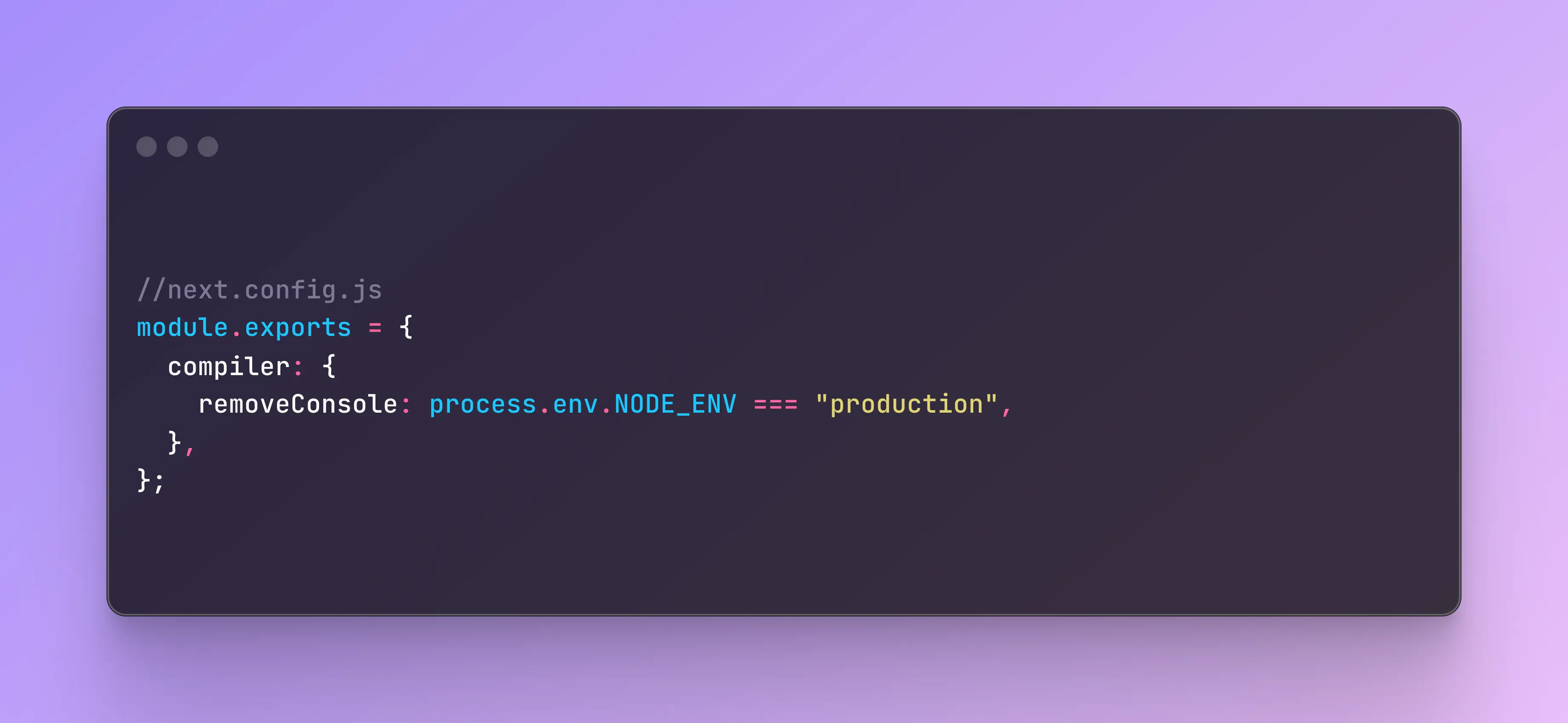
next.config.jsfile in your project’s root directory. - Add the following configuration:
module.exports = {
  compiler: {
    removeConsole: process.env.NODE_ENV === "production",
  },
};
Explanation:
- The
removeConsoleoption ensures that allconsole.logstatements are removed when building for production. - This method is simple and requires no additional plugins or dependencies.
Conclusion
By using the removeConsole option in next.config.js, you can easily prevent console.log statements from appearing in production builds, keeping your application clean and efficient.